

Get paid faster.
Your customers get a clean, professional way to pay you. Your office finally knows who has paid and who hasn't.


Your work looks great. Your invoices should too.
You put real care into the job. Then the customer gets a plain invoice, a "please add 3%" note, and a phone number to call with a card.
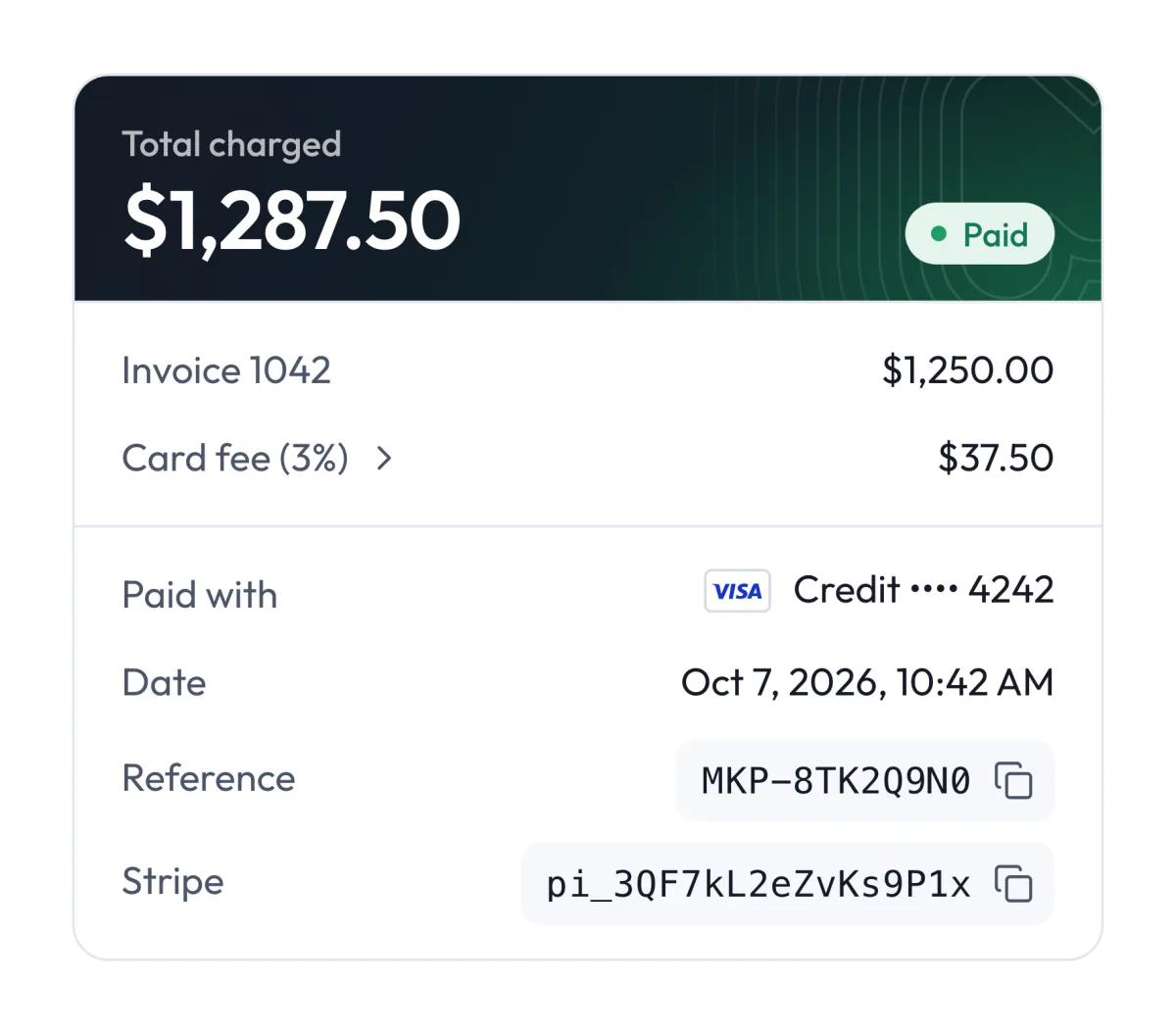
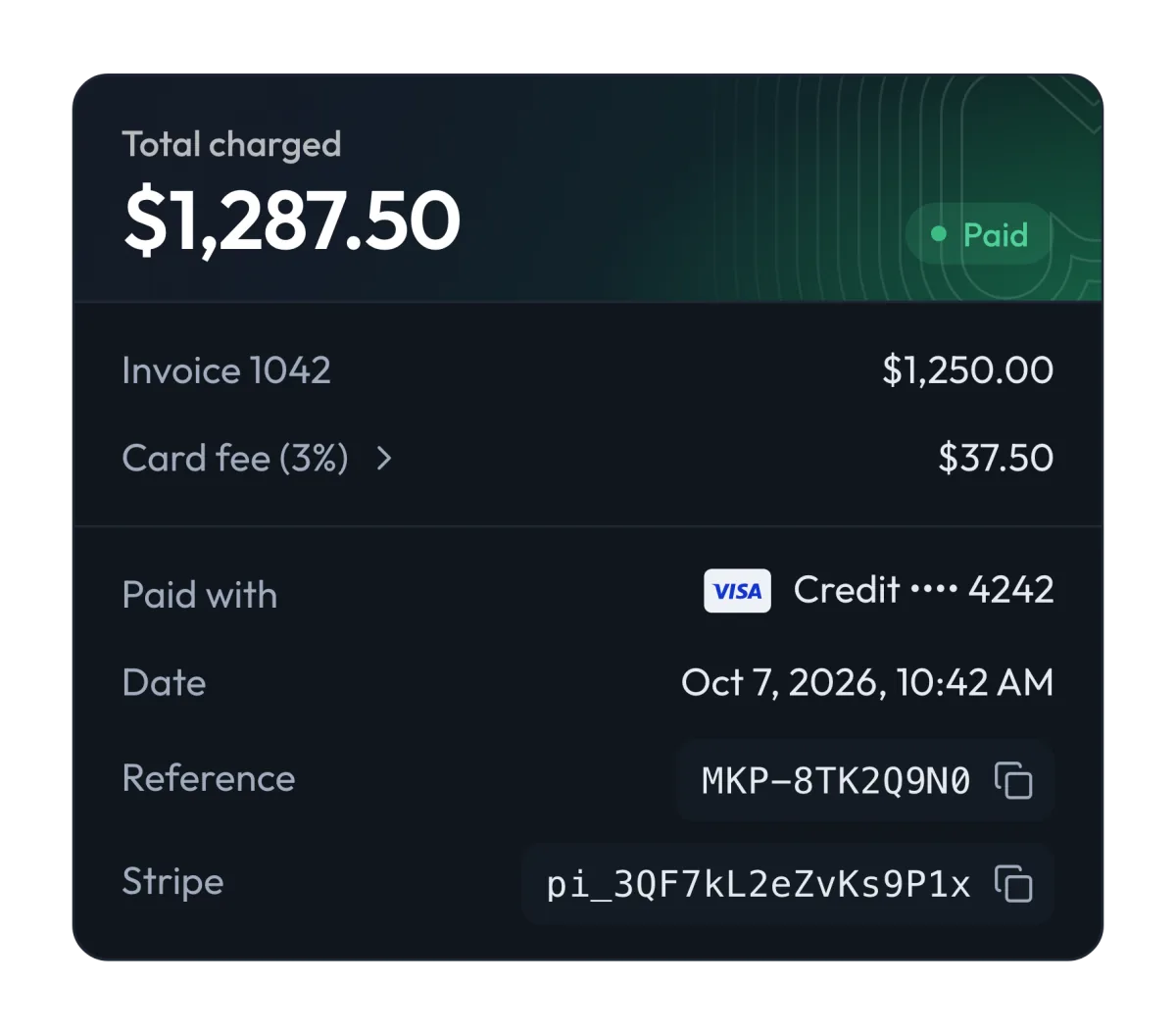
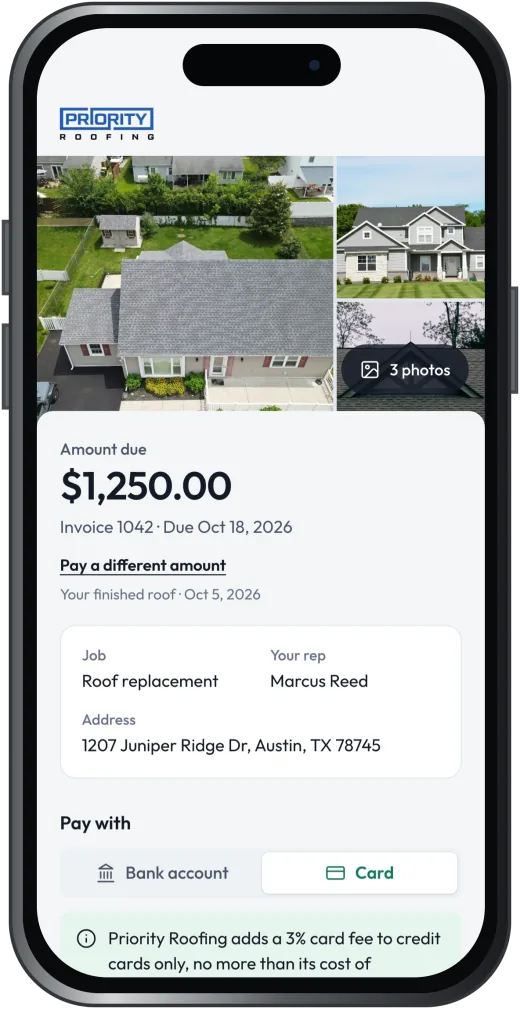
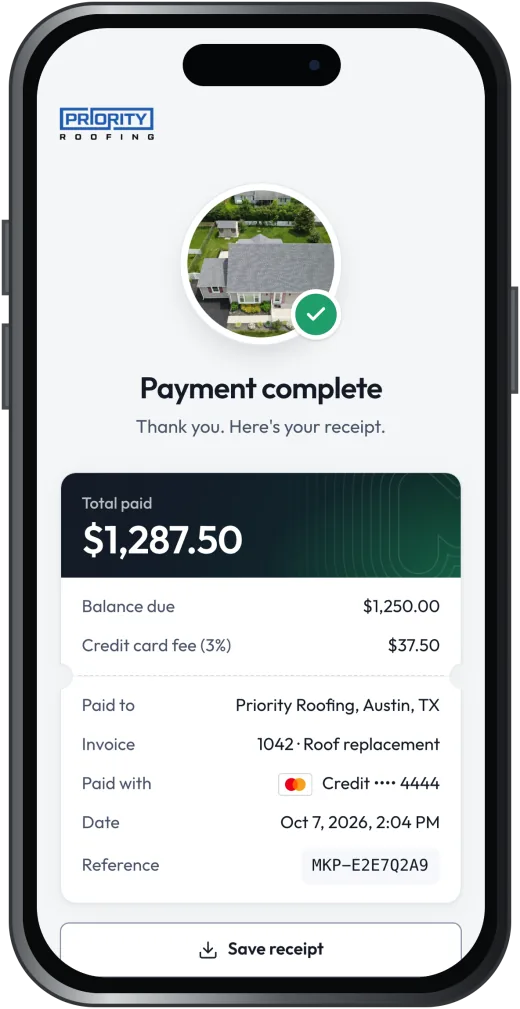
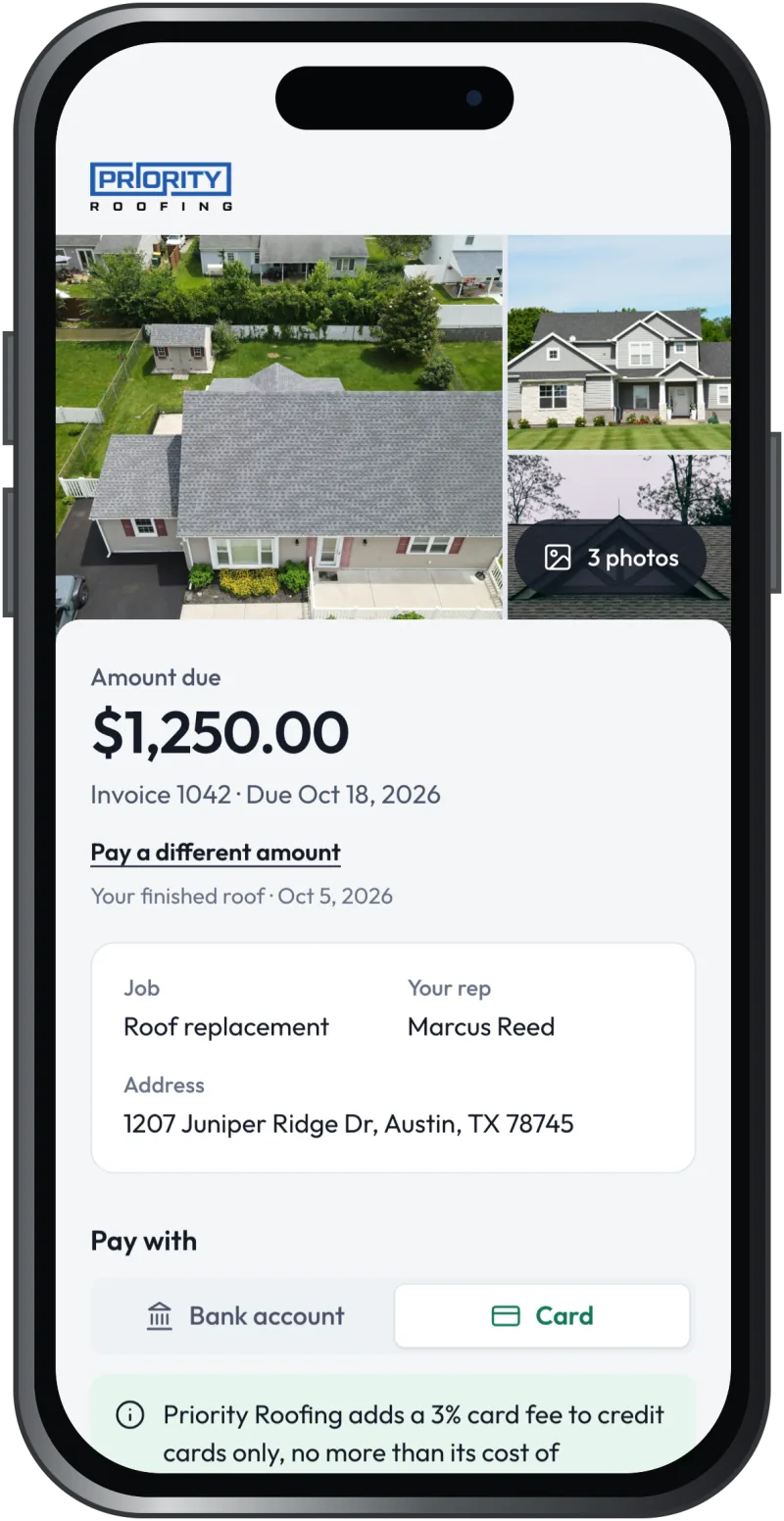
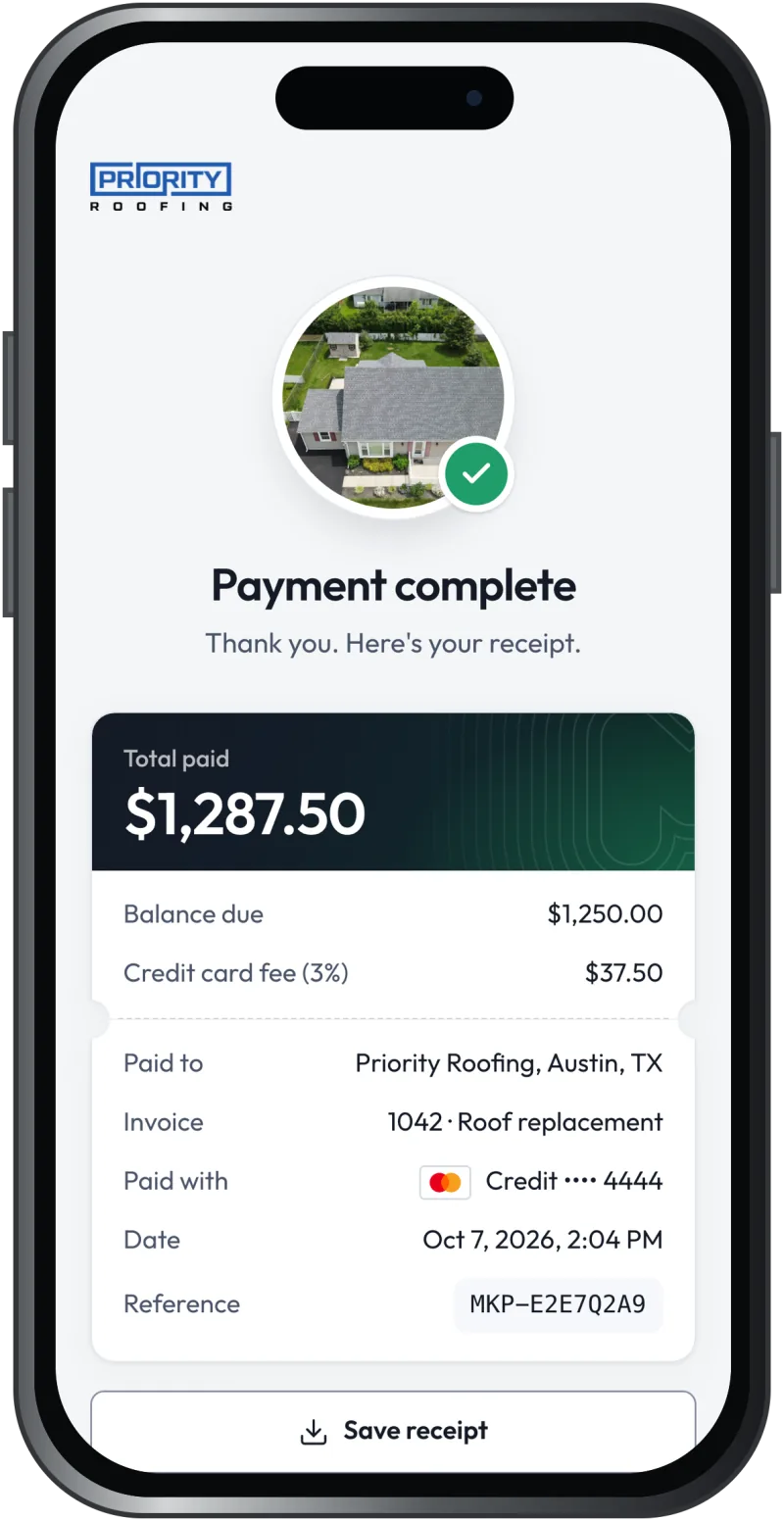
With MakPay, they get a link that shows the invoice, the balance, and photos of the finished job. They pay by card or bank in a couple of minutes, on their phone, and get a proper receipt.
Your work looks great. Your invoices should too.
You put real care into the job. Then the customer gets a plain invoice, a "please add 3%" note, and a phone number to call with a card.
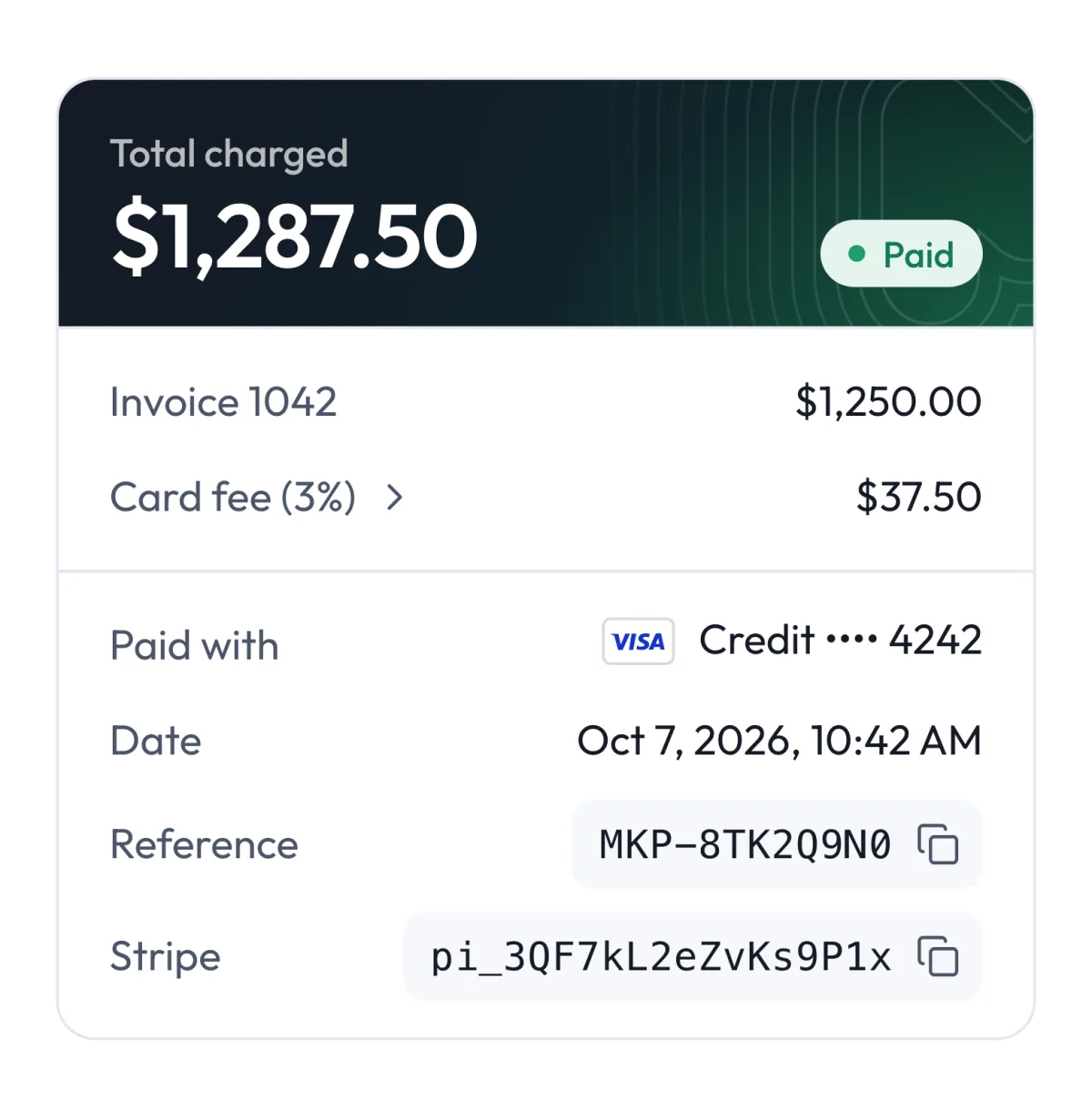
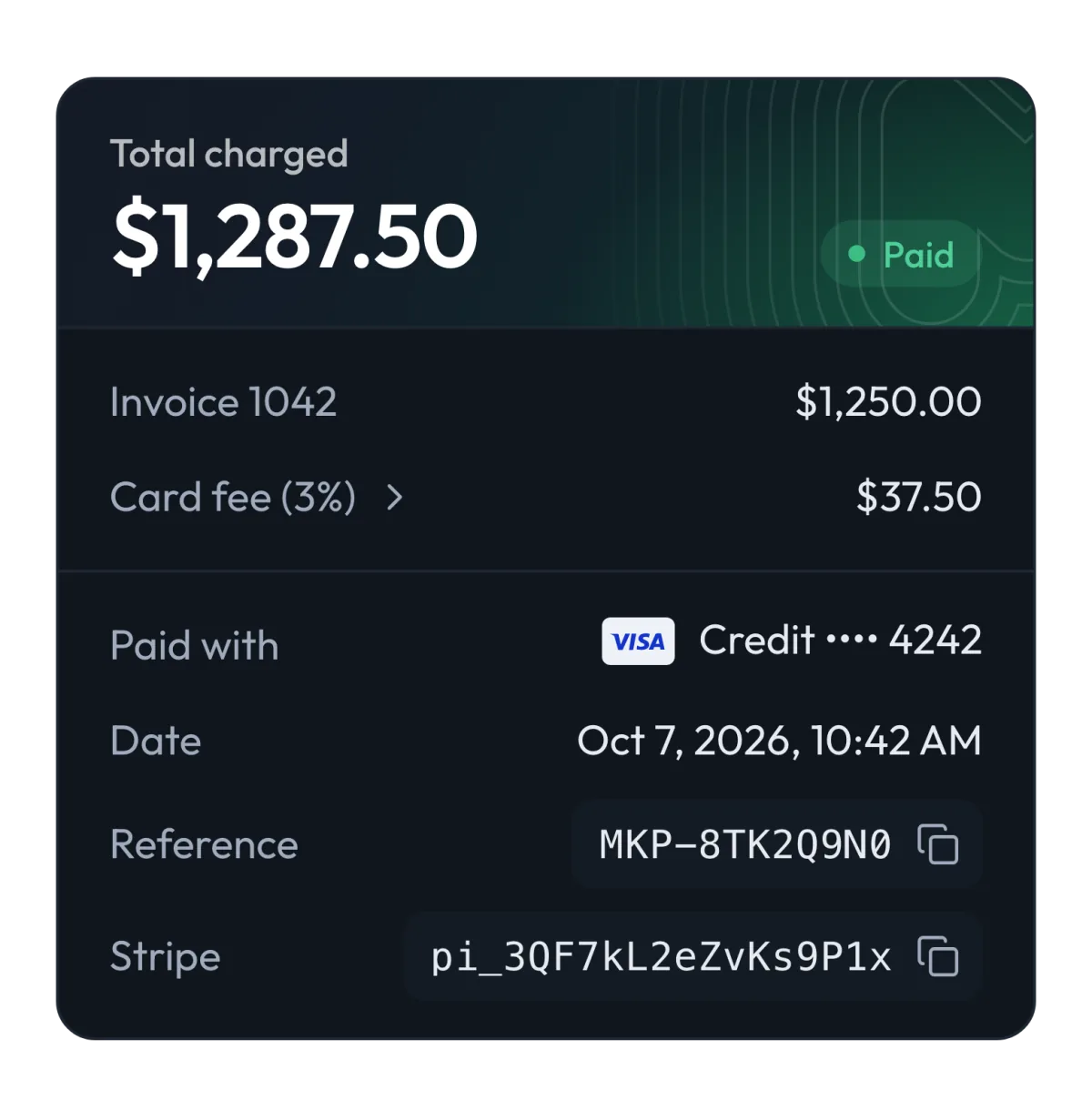
With MakPay, they get a link that shows the invoice, the balance, and photos of the finished job. They pay by card or bank in a couple of minutes, on their phone, and get a proper receipt.
Your work looks great. Your invoices should too.
You put real care into the job. Then the customer gets a plain invoice, a "please add 3%" note, and a phone number to call with a card.
With MakPay, they get a link that shows the invoice, the balance, and photos of the finished job. They pay by card or bank in a couple of minutes, on their phone, and get a proper receipt.
It's the difference between a customer who pays today and one who puts it off until next week.

Your office gets its afternoon back
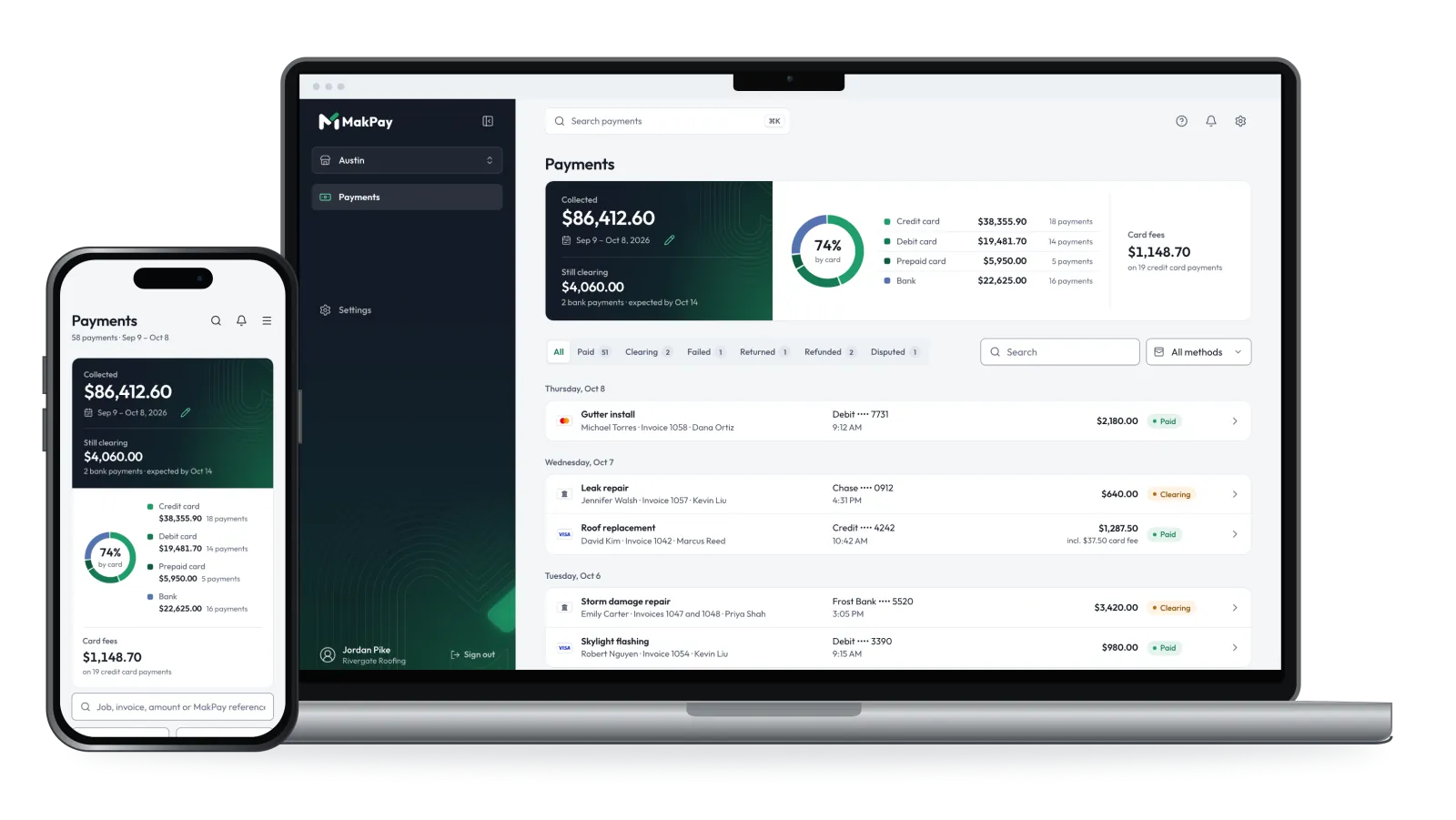
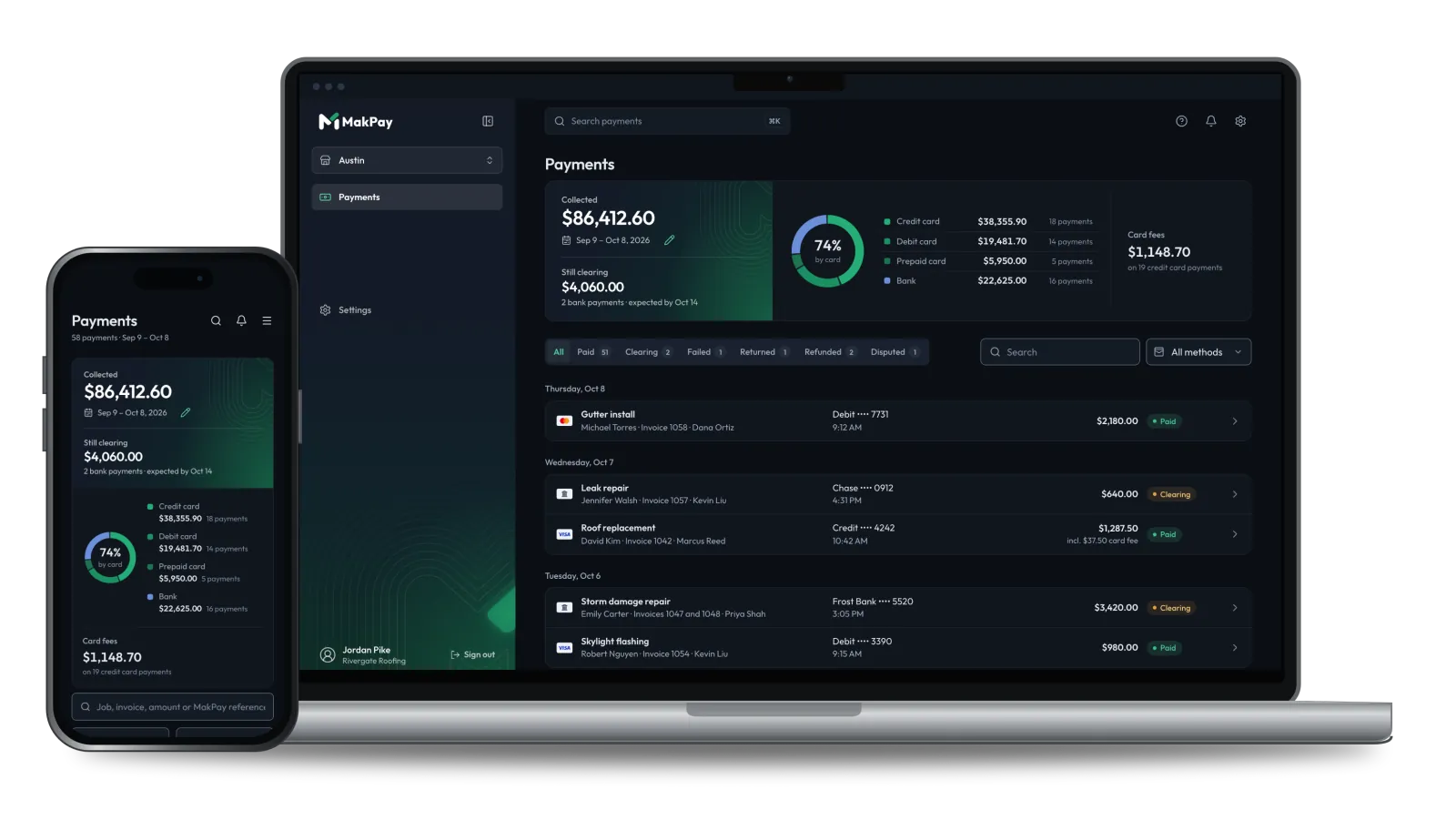
No more matching checks to jobs, or calling around to find out if something was paid.
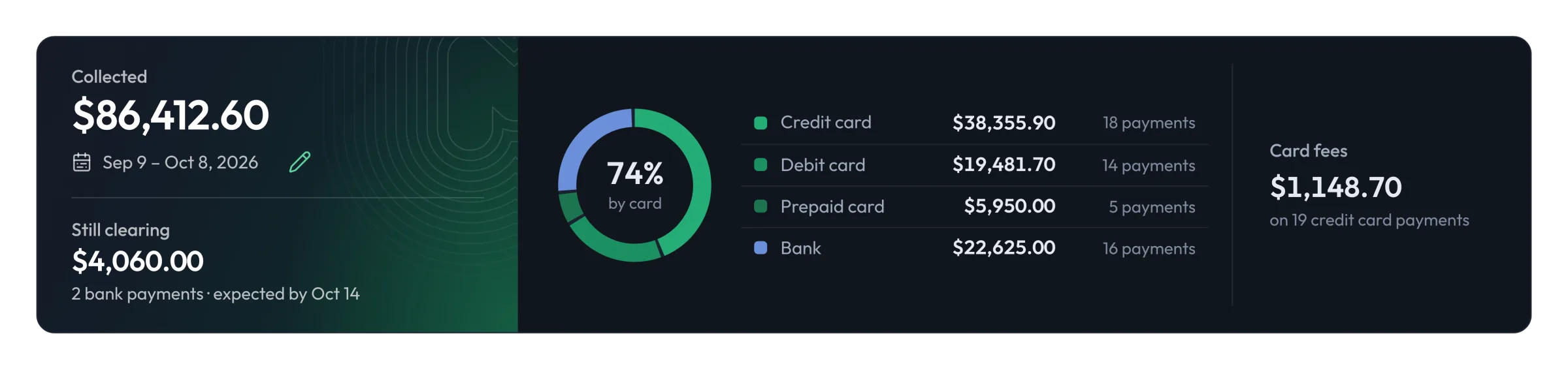
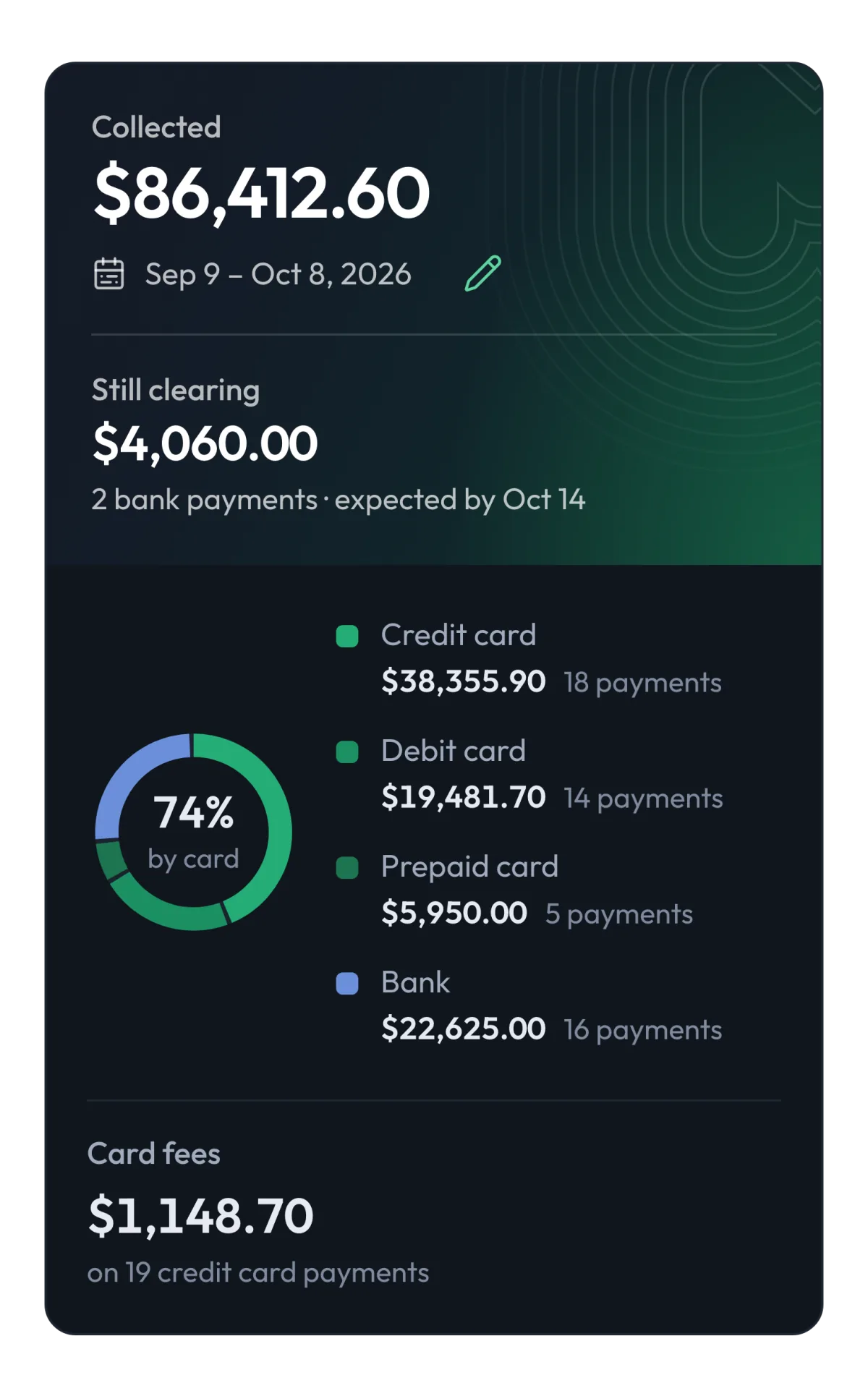
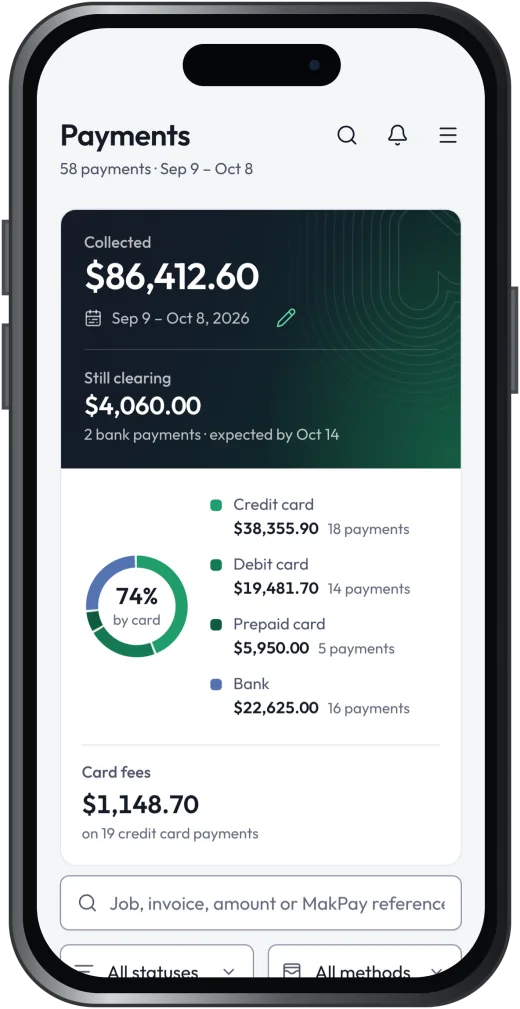
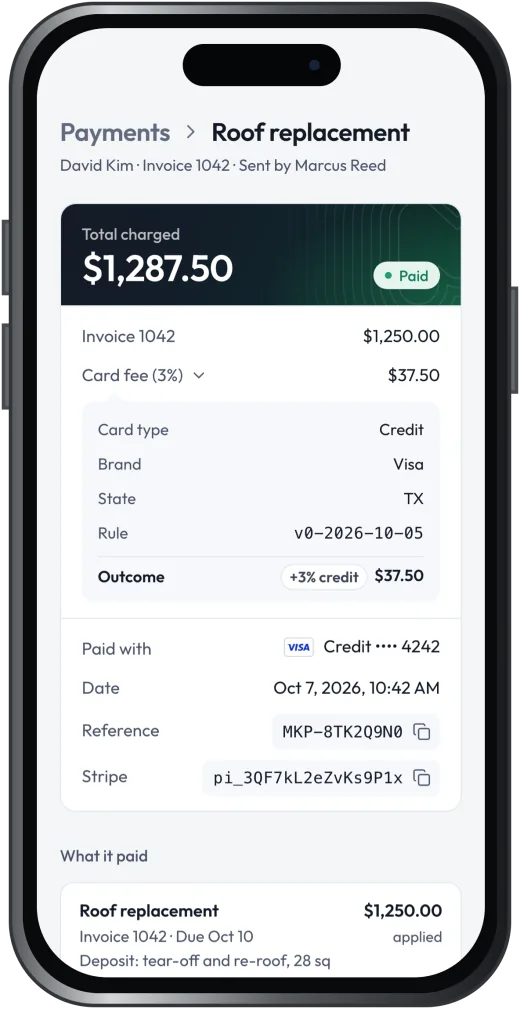
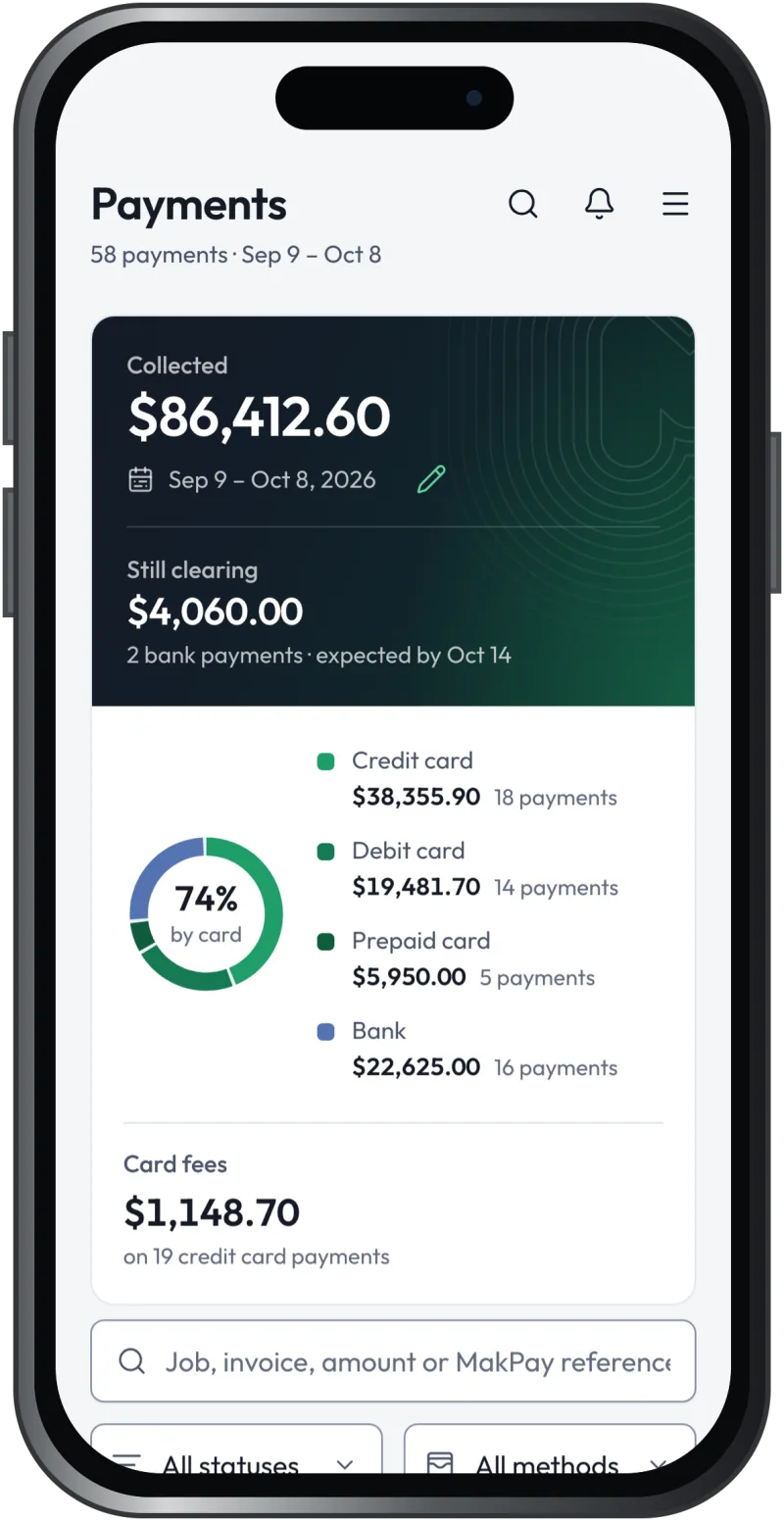
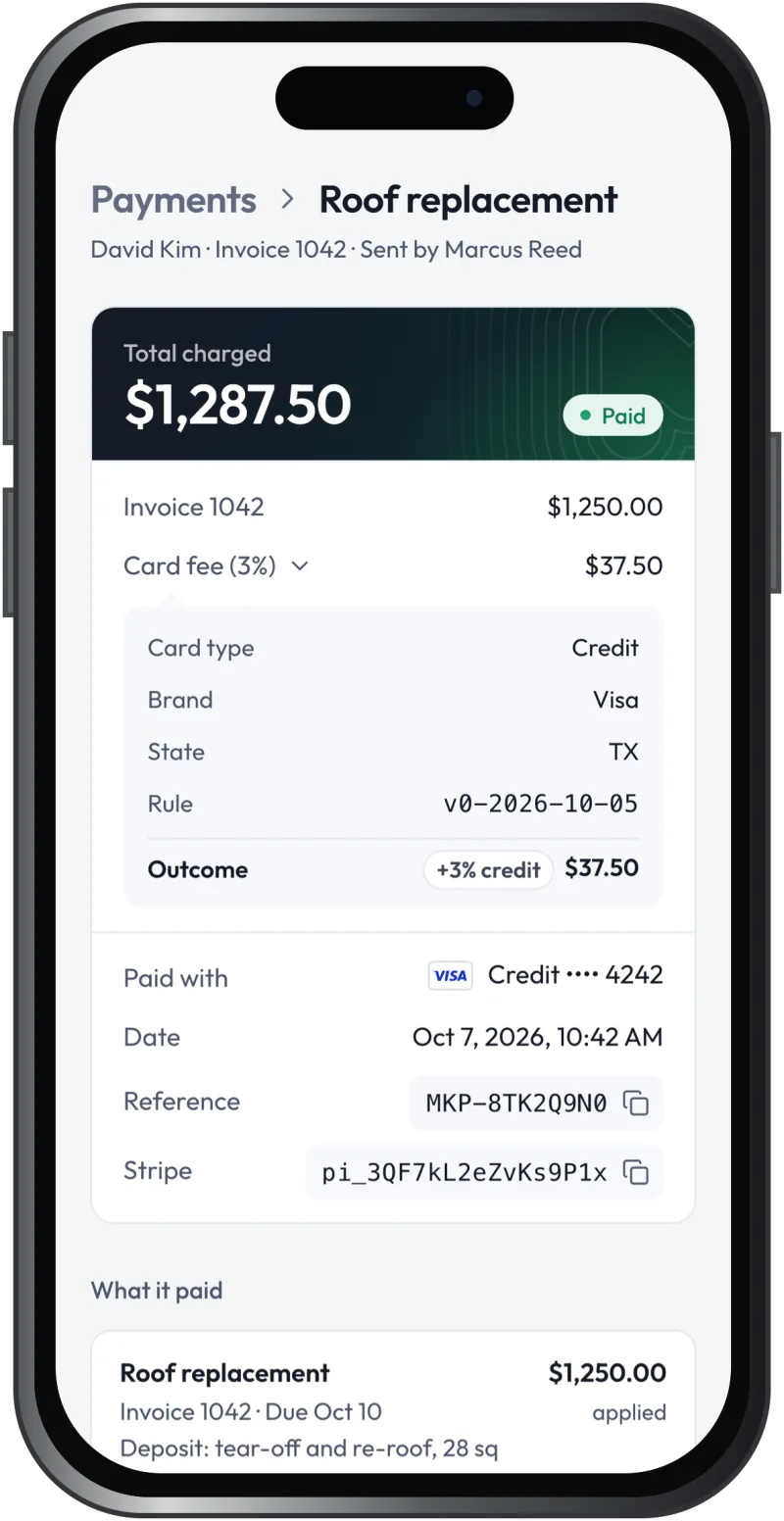
Every payment shows up in one place, tied to the job and the invoice it paid. You can see what came in today, what's still out, and how each location is doing. Payments are recorded back on the job and in QuickBooks, so nobody has to type them in twice.
How it works
-
1
Send the link.
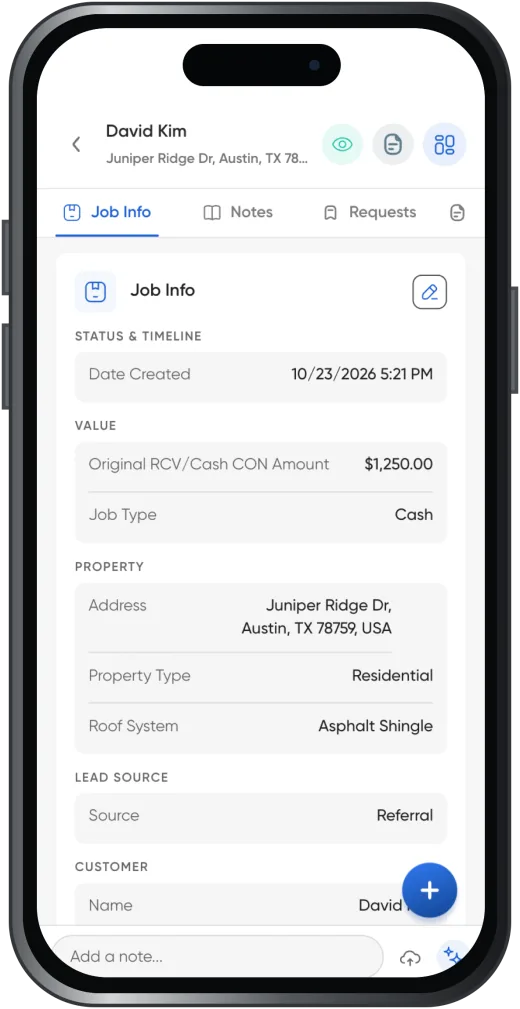
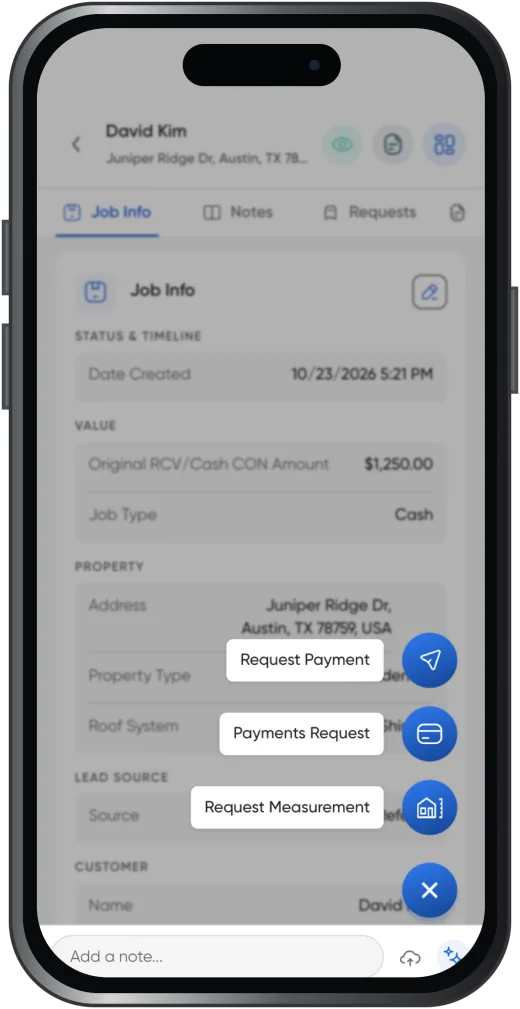
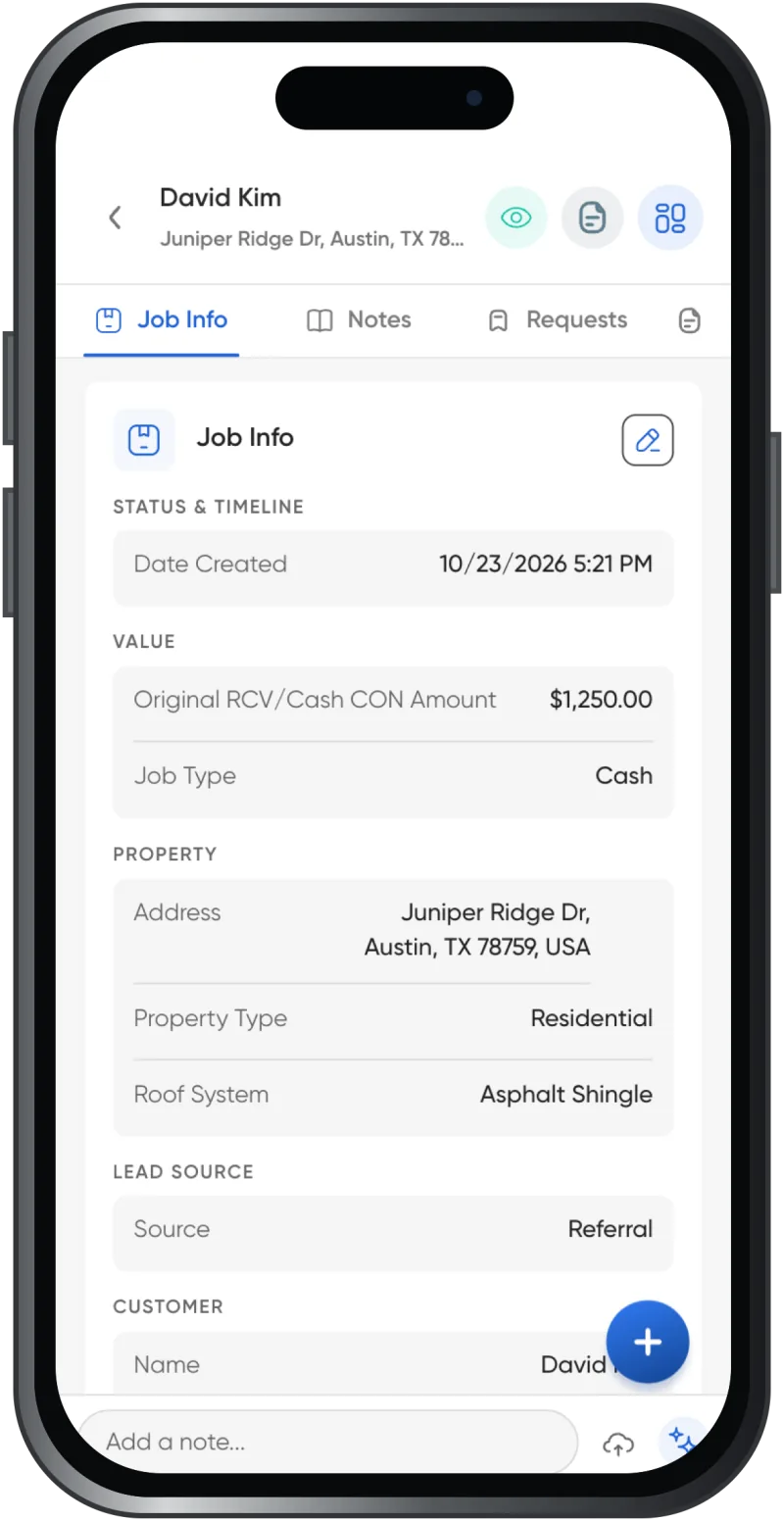
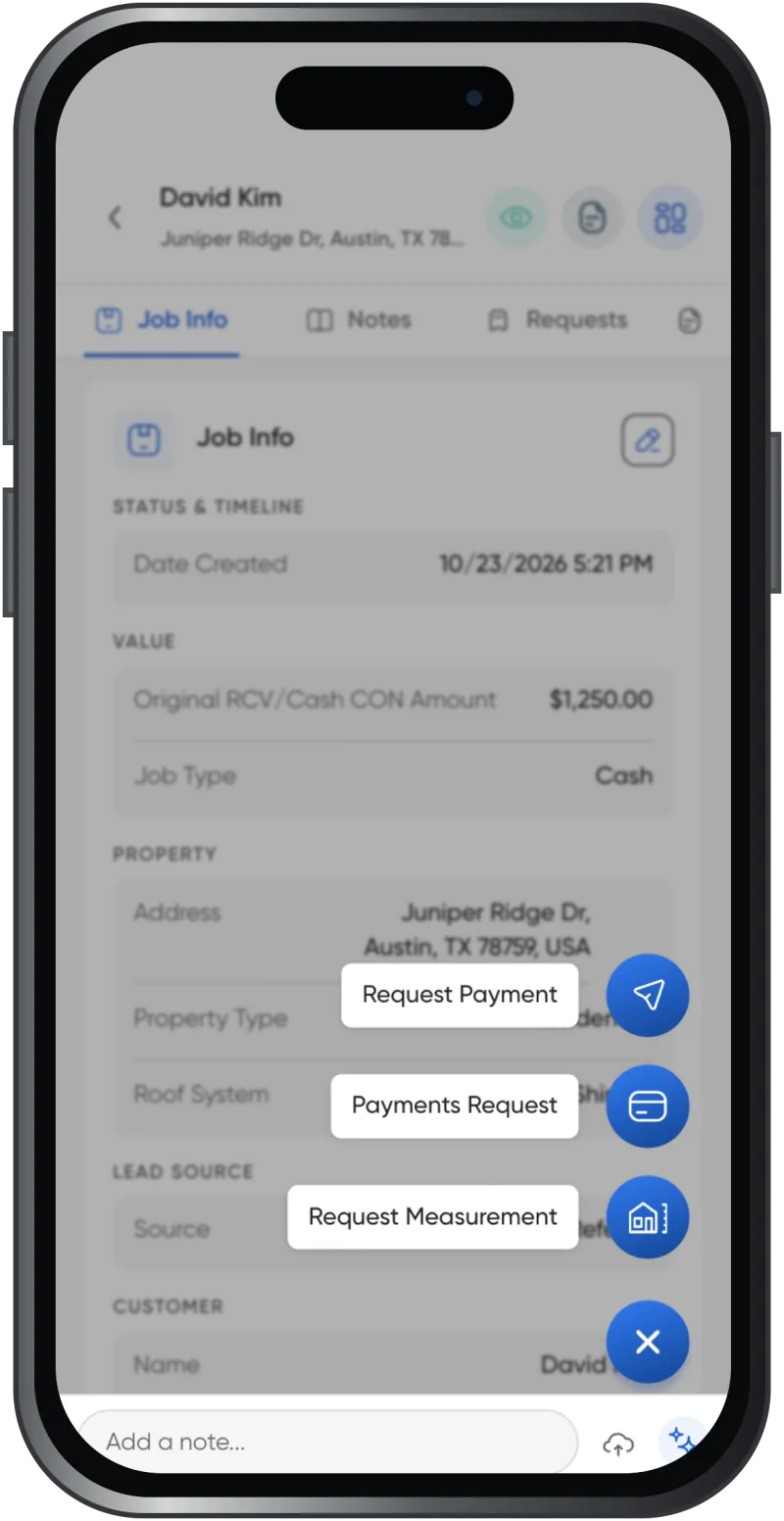
From the job in your CRM, request payment. Your customer gets a link by email or text.
-
2
They pay.
Card or bank transfer. If you pass on card fees, they see the fee before they pay.
-
3
You see it.
The money goes to your own account, and the payment shows up on the job and in your back office.
-
1
Send the link.
From the job in your CRM, request payment. Your customer gets a link by email or text.
-
2
They pay.
Card or bank transfer. If you pass on card fees, they see the fee before they pay.
-
3
You see it.
The money goes to your own account, and the payment shows up on the job and in your back office.
Details
Who it's for
Service businesses that send an invoice after the work is done: roofers, surveyors, HVAC, plumbing and electrical contractors, builders, and anyone running more than one location who is tired of chasing payments.
Questions
No. They open the link and pay.
Yes, if you choose to, location by location. It only applies to credit cards, and customers see it before they pay. Card fee rules differ from state to state, so you decide what's right for your business.
Straight to your own account. MakPay never holds your money.
Yes. Payments are recorded back on the job and in QuickBooks.
